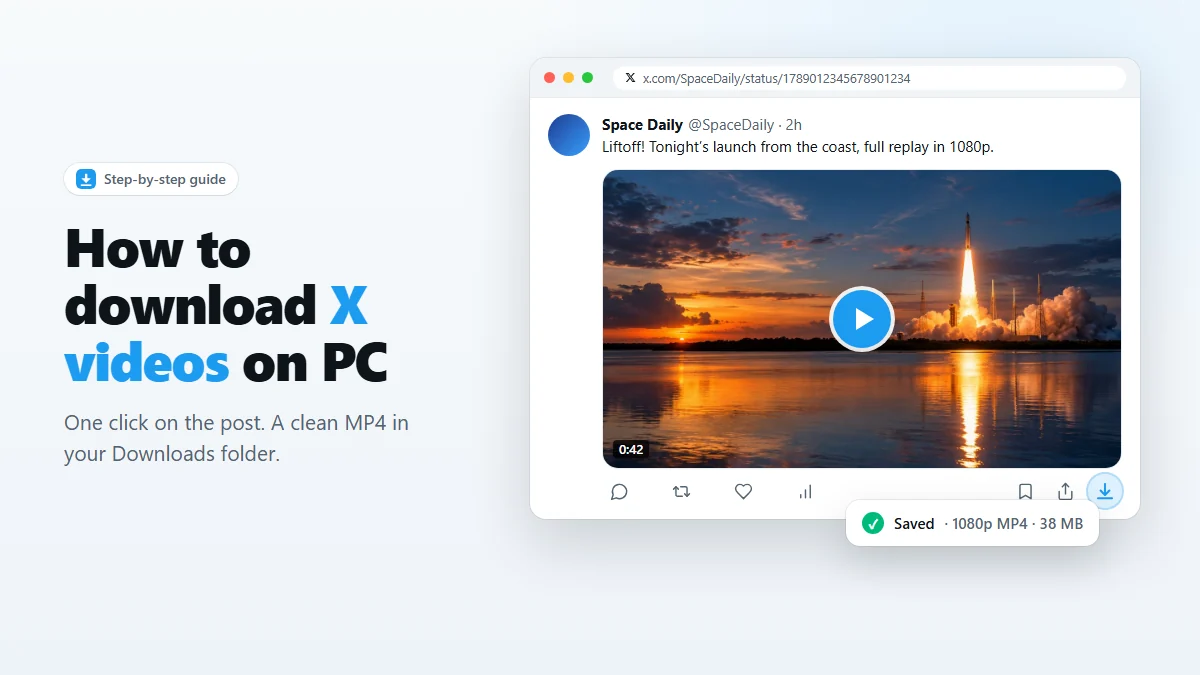
- X keeps several copies of every video, usually from 270p or 360p up to 720p or 1080p.
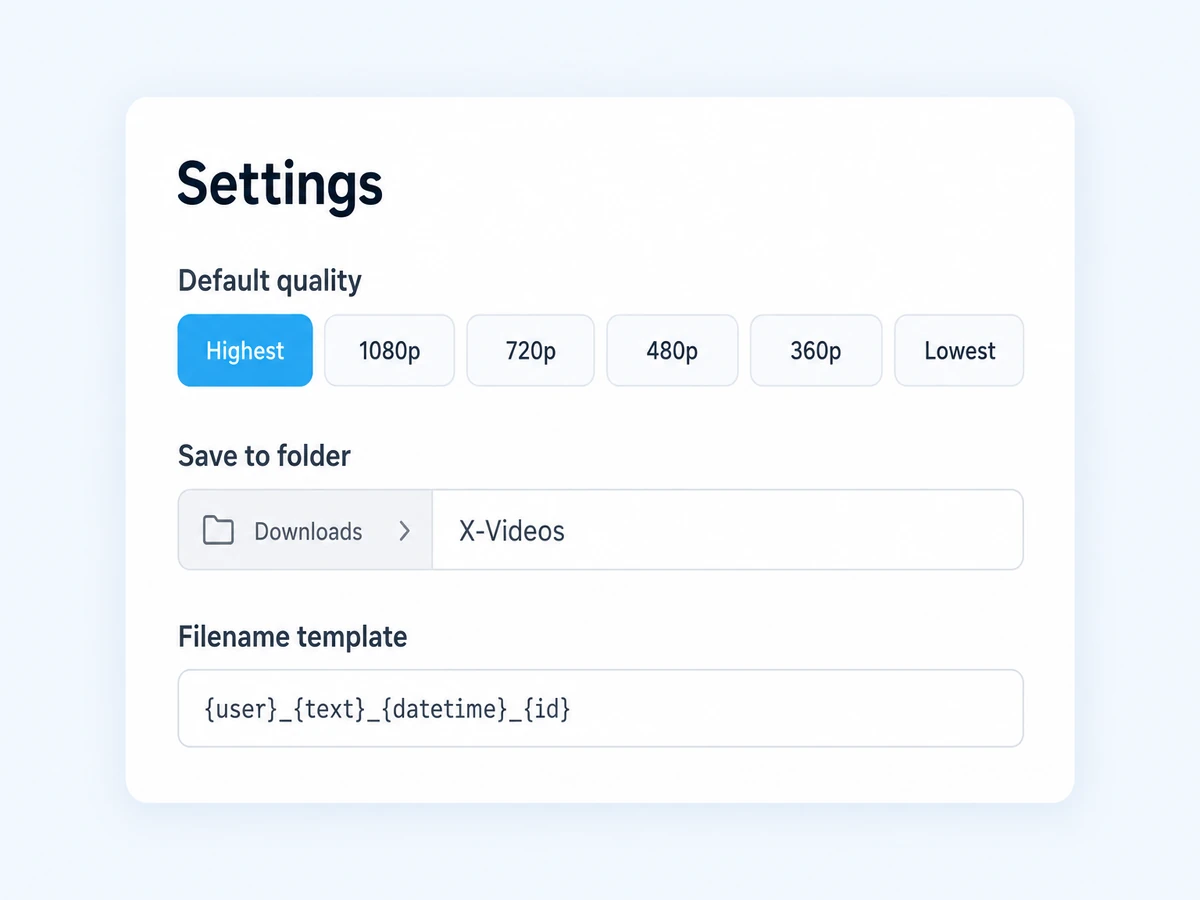
- With X Video Downloader the default setting, Highest available, always saves the best one.
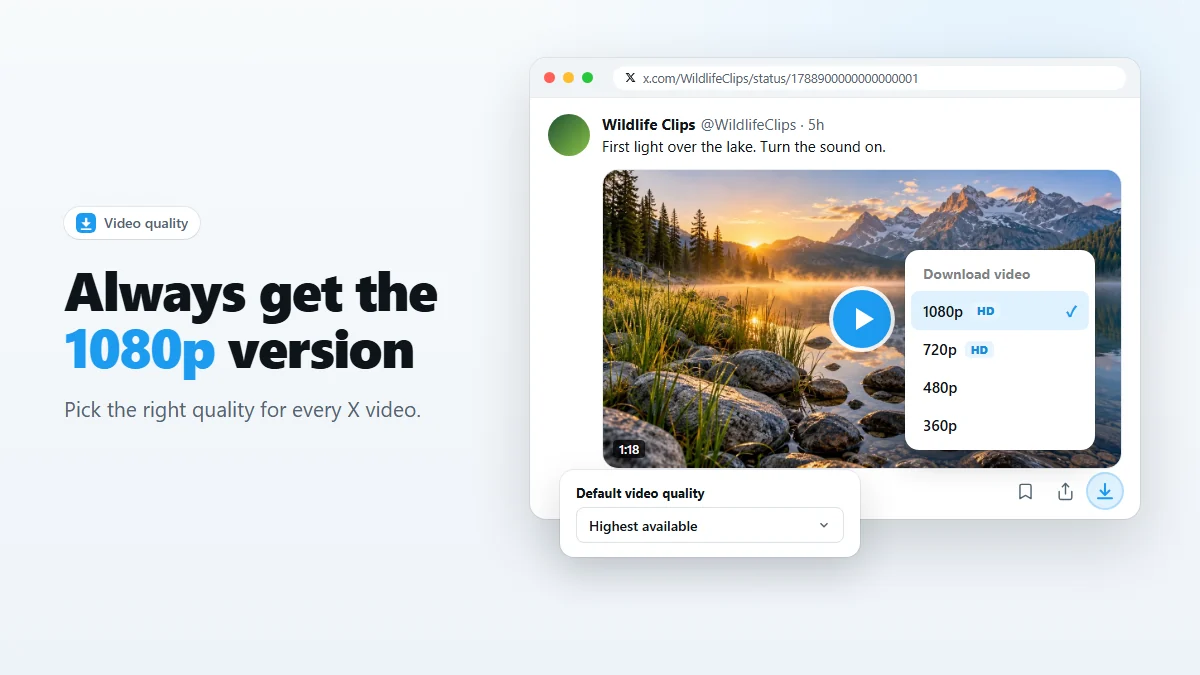
- Alt-click the download icon to choose a specific resolution for a single video.
A lot of “X video downloaders” quietly hand you the 360p or 720p file, even when a sharp 1080p version exists. That is fine for a meme and disappointing for a talk, a tutorial or footage you want to edit. Here is how quality works on X and how to make sure you always get the version you want.
How X stores videos
When someone uploads a video, X transcodes it into a small set of MP4 files at fixed resolutions — for example 1920×1080, 1280×720, 640×360 and 480×270 for a landscape video. The player picks one based on your screen and connection, and may switch between them while you watch.
That means the quality you see on X is not necessarily the best quality X has. A downloader that just grabs “whatever is playing” can easily end up with a low-resolution copy.
Always get the 1080p version
The extension reads the full list of renditions for each post and chooses from it directly, so what you get does not depend on what the player happened to load.
- Right-click the extension icon in the toolbar and choose Options, then open the Settings tab.
- Under Default video quality, leave Highest available selected (it is the default).
- Click the download icon on any post. You get the largest rendition X offers for that video — 1080p when it exists, and above that for the uploads X stores in higher resolution.
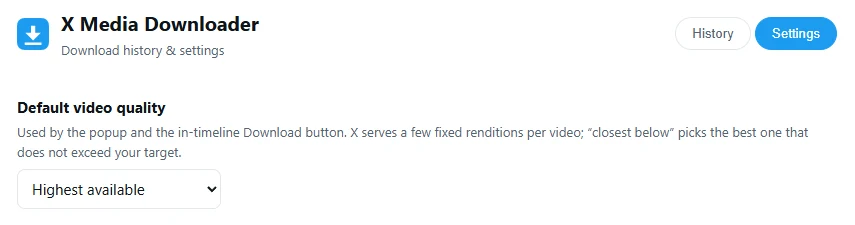
The other options are 1080p, 720p, 480p, 360p and Lowest. A resolution target is resolved as “closest below”: set 720p and a video that only has 1080p and 360p will be saved at 360p, never above your limit. That is useful when you want predictable, small files.
Pick a quality for a single video
Sometimes you want a different quality just once. Hold Alt and click the download icon on the post. A menu titled Download video lists the exact renditions that video has, with the HD ones marked. Click one to download it.
If you prefer to choose every time, turn off Timeline button downloads immediately in the settings. A normal click then opens the menu instead. The toolbar popup offers the same choice for the post you have open.
Which quality should you choose?
| Quality | Approx. size per minute | Best for |
|---|---|---|
| 1080p | 10–25 MB | Talks, tutorials with on-screen text, footage you plan to edit or watch on a big screen. |
| 720p | 5–12 MB | Everyday saving; looks sharp on laptops and phones at a fraction of the size. |
| 480p / 360p | 2–6 MB | Memes, reaction clips, sending over chat apps with size limits. |
| Lowest | under 2 MB | Archiving huge numbers of clips where only the content matters. |
Sizes vary with length, motion and the uploader’s original file, so treat them as rough guides. When in doubt, save 1080p: you can always shrink a video later, but you can never add detail that was not downloaded.
Why some videos top out at 720p (or lower)
If the menu shows nothing above 720p, the higher version simply does not exist on X — or the numbers mean something other than you expect. Common reasons:
- The upload was small. X never upscales. A 720p upload stays 720p.
- It was recorded vertically. Qualities are labeled by the video’s height, so a 720×1280 phone video appears as 1280p. With a fixed 1080p limit such a video falls back to its next smaller version; choose Highest available to get the full file.
- It is an older post. Videos uploaded years ago were often processed at lower resolutions.
- It is a GIF. GIFs on X are short, low-resolution MP4 loops. See how to save GIFs and photos.
In all of these cases, Highest available still gives you the best file there is — which is exactly what it is for.
Frequently asked questions
Does downloading in 1080p make the video look better than on X?
It looks exactly as good as the best version X has. The extension saves the original file X serves; it does not upscale or re-encode anything.
Can I download X videos in 4K?
Only if the uploader’s video was stored in 4K. X keeps higher resolutions for some uploads, and when it does, the menu lists them and Highest available picks them automatically.
Why is my 1080p file so large?
Higher resolutions use a higher bitrate. A one-minute 1080p clip is often 10–25 MB. If size matters more than sharpness, pick 720p.
What does “closest below” mean in the quality setting?
If you set 1080p and a video has only 720p and 360p, the extension picks 720p — the best rendition that does not exceed your target — instead of failing.
Is the audio quality affected by the resolution I pick?
Usually not noticeably. All renditions carry an AAC audio track; the difference between them is mainly the picture.
Save videos, GIFs and photos from X in one click
Free Chrome extension. No account, no servers, no tracking.