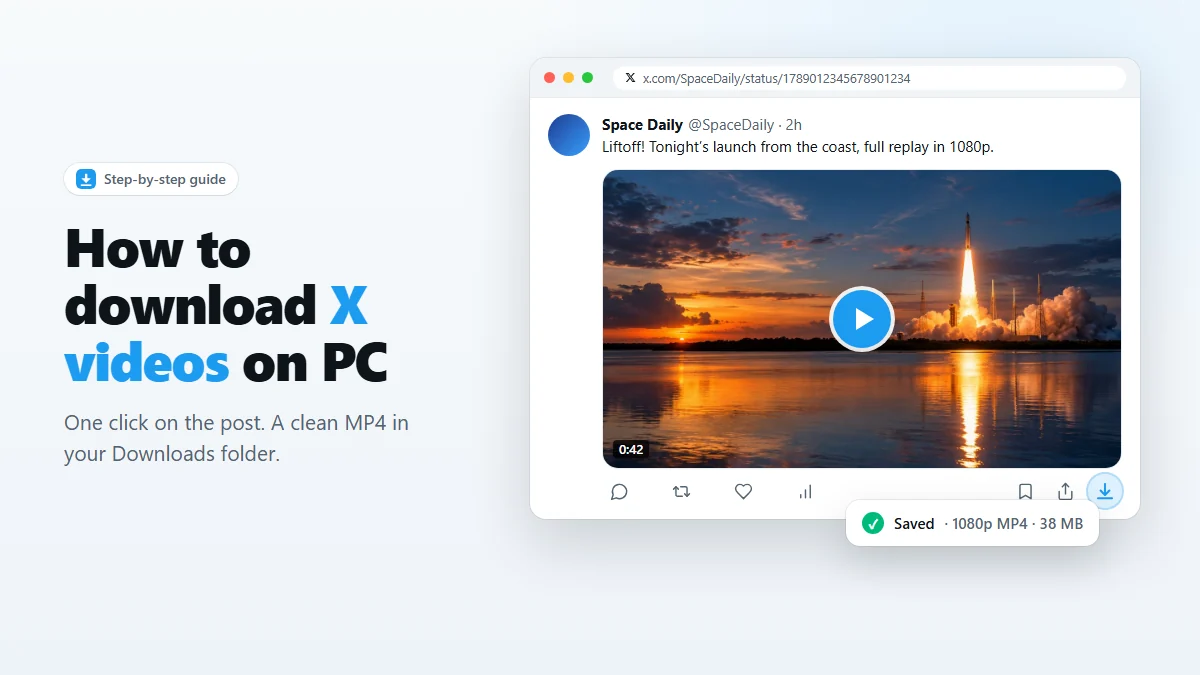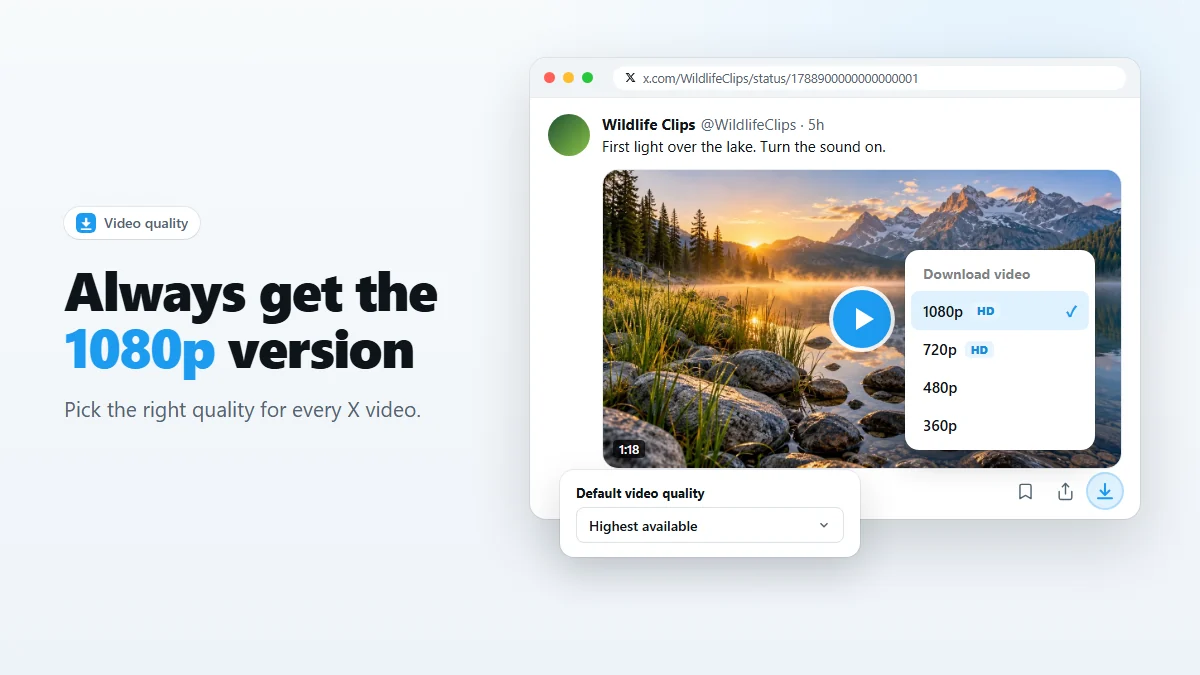
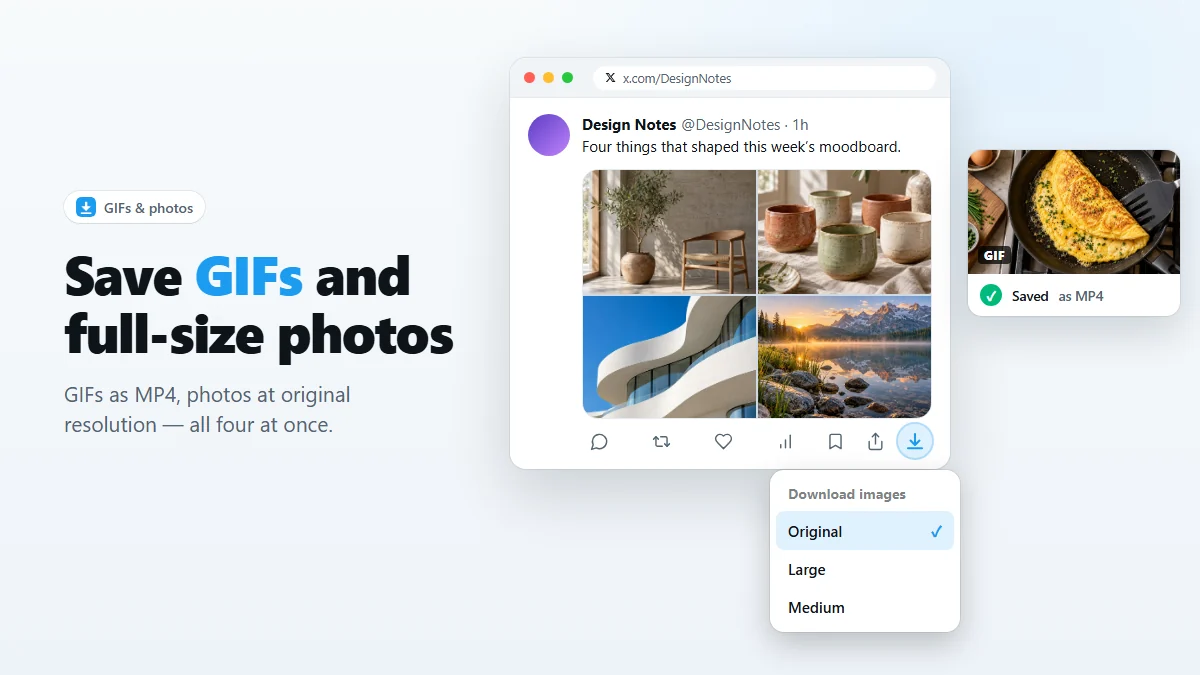
- GIFs: click the download icon on the post. You get an MP4, because that is how X stores GIFs. Convert it to .gif only if you really need one.
- Photos: click the download icon to save every photo in the post at original resolution, numbered
_1to_4. - Smaller photos: Alt-click and choose Large or Medium.
Right-click → “Save image as” on X gives you a compressed preview, and on a GIF it gives you nothing at all. Both have a better answer. This guide covers how to save GIFs and photos from X (Twitter) at the quality they were uploaded, with X Video Downloader or by hand.
GIFs on X are actually videos
When you upload a GIF to X, it is converted into an MP4 video that loops silently. The “GIF” badge you see on the post is just a label. There is no .gif file on X’s servers to download.
This is a good thing for you:
- An MP4 is typically 5–10× smaller than the same animation as a GIF.
- It keeps full color. The GIF format is limited to 256 colors, which is why converted GIFs often look banded.
- It plays everywhere, and most chat apps loop short MP4s automatically.
How to save a GIF from X
- Install X Video Downloader and reload your X tab.
- Find the post with the GIF.
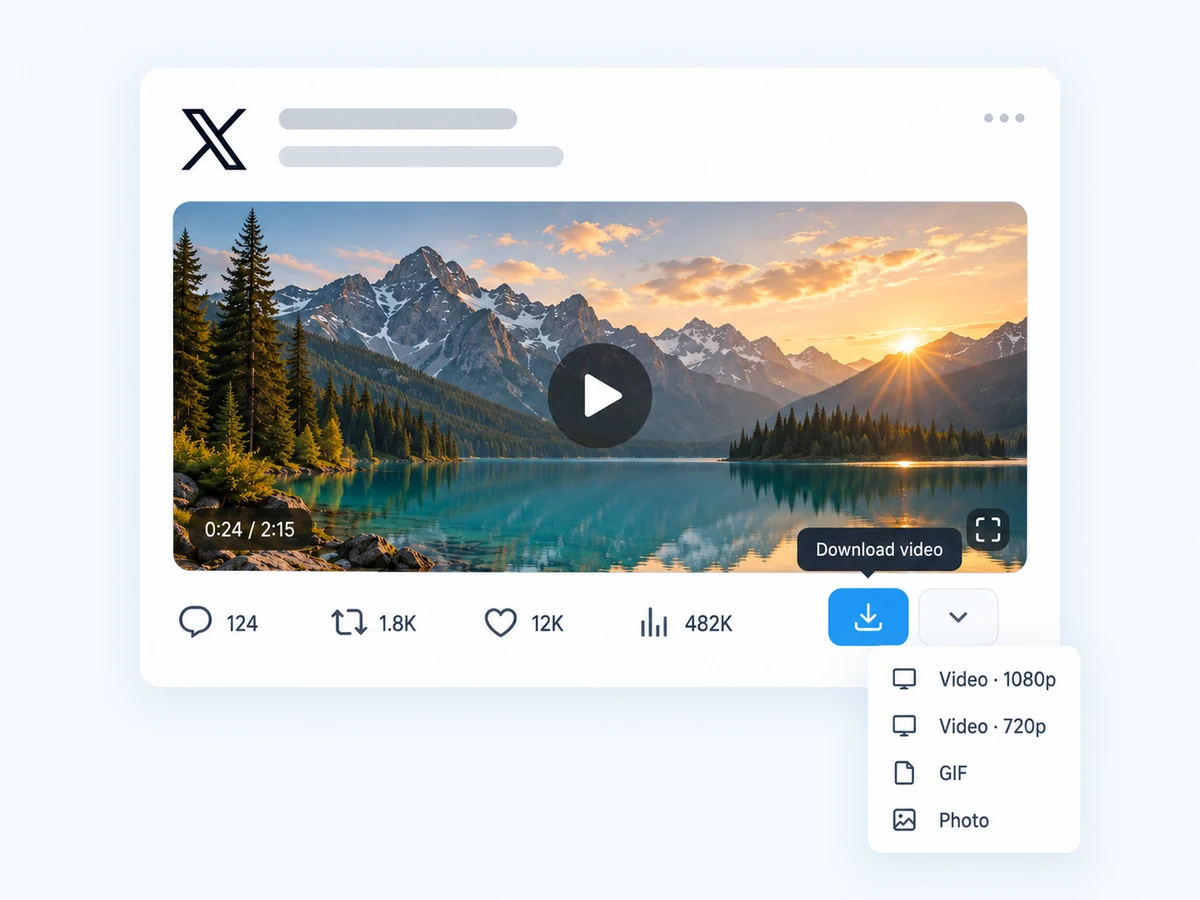
- Click the download icon at the end of the action bar.
The file is saved as MP4 in your download folder and appears in the download history with the type gif, so you can filter and find your GIF collection later.
Convert the MP4 back to a real .gif
Some places — older forums, email signatures, a few design tools — still insist on a .gif file. The best quality conversion uses the free command-line tool FFmpeg with a two-pass palette:
ffmpeg -i input.mp4 -vf "fps=15,scale=480:-1:flags=lanczos,split[a][b];[a]palettegen[p];[b][p]paletteuse" -loop 0 output.giffps=15— frames per second. Lower means a smaller file.scale=480:-1— width in pixels; height follows automatically.palettegen / paletteuse— builds a custom 256-color palette from the clip, which avoids most banding.-loop 0— loop forever, like the original.
Prefer not to use the command line? Most image editors and many free desktop apps can import an MP4 and export it as a GIF. We suggest avoiding upload-based converter sites for anything personal.
Save photos at original size
The photos you see in the timeline are resized previews. X keeps the original upload, and the address of every photo contains a size parameter. The extension rewrites it to orig, so a click gives you the full-resolution file instead of the preview.
By hand, you can do the same: open the photo, right-click → Open image in new tab, and change name=small or name=medium at the end of the address to name=orig. It works, but one photo at a time.
Download every photo in a multi-photo post
A post can hold up to four photos. One click on the download icon saves all of them, each as its own file with a number at the end:
DesignNotes_Grid_systems_20260926-181204_1788500000000000003_1.jpg
DesignNotes_Grid_systems_20260926-181204_1788500000000000003_2.jpg
DesignNotes_Grid_systems_20260926-181204_1788500000000000003_3.png
DesignNotes_Grid_systems_20260926-181204_1788500000000000003_4.jpg
The numbers follow the order of the photos in the post, and the real file type is kept — note the PNG above. Because the post ID is part of every name, photos from different posts never collide.
Original, Large or Medium?
Alt-click the download icon on a photo post to choose a size:
| Size | What you get | Use it for |
|---|---|---|
| Original | The file as it was uploaded, full resolution. | Artwork, screenshots with small text, printing, anything you want to keep. |
| Large | Resized to fit about 2048 px on the long side. | Sharing and everyday viewing; much smaller for huge uploads. |
| Medium | Resized to fit about 1200 px. | Quick references, slides, chat messages. |
If the original is already small, all three may be identical — X never enlarges images. For videos rather than photos, see how to pick the right video quality.
Frequently asked questions
Why did my GIF download as an MP4?
Because that is what X stores. X converts every uploaded GIF into a short looping MP4 video. Saving the MP4 gives you the exact file X has, at the best quality and smallest size.
Can I send the MP4 as a GIF in chat apps?
Most modern apps (WhatsApp, Telegram, Discord, Slack, iMessage) play a short MP4 just like a GIF, often looping it automatically. Convert to .gif only where a real GIF file is required.
Are photos downloaded at full resolution?
Yes, with Original selected (the default for a normal click). The extension asks X for the original upload instead of the compressed preview you see in the timeline.
Does it keep PNG images as PNG?
Yes. The real file type is kept: JPG stays JPG and PNG stays PNG.
Can I download a link preview image?
Yes. The thumbnail image on a link-preview card can be downloaded the same way as an attached photo.
Save videos, GIFs and photos from X in one click
Free Chrome extension. No account, no servers, no tracking.