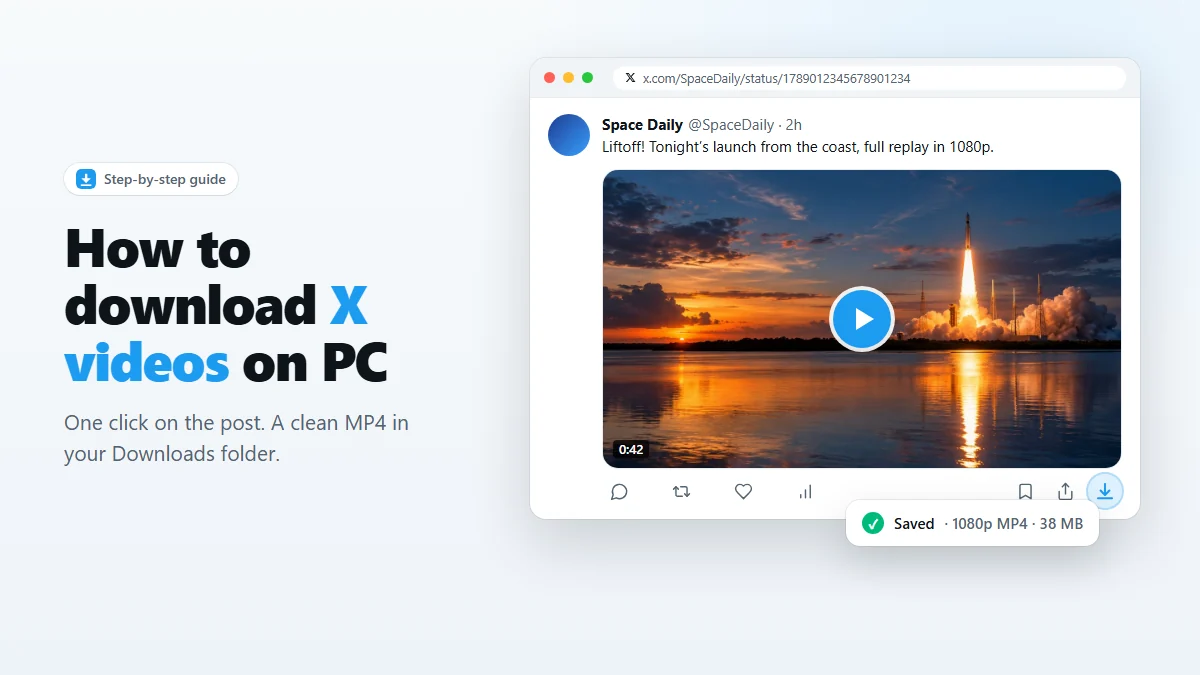
- Install X Video Downloader from the Chrome Web Store.
- Open x.com and find the post with the video.
- Click the download icon in the post’s action bar, next to Bookmark and Share.
- The MP4 lands in your Downloads folder, in the highest quality X offers.
You found a video on X worth keeping — a talk you want to rewatch, a tutorial, a clip you want to show someone offline. Then you look for a download button and there isn’t one. This guide shows the fastest way to save any X (Twitter) video to your computer as a normal MP4 file, plus what to do when something doesn’t work.
Why X has no download button
X lets you like, repost, bookmark and share a video, but not save it. Inside the mobile app, many videos have no Save option at all. On the web, the player streams the video in small pieces, so right-clicking gives you nothing useful either.
Bookmarks don’t fix this. A bookmark is only a pointer to the post. If the author deletes it, makes their account private, or the video is removed, your bookmark points at nothing. The only copy you control is a file on your own disk.
Before you start
- A computer with Chrome or Edge (version 116 or newer). Brave, Opera and other Chromium browsers usually work too.
- The video must play for you. If you can watch it in your browser, you can almost always save it. If X shows “This post is unavailable”, there is nothing to download.
- No X login needed for public posts, although being signed in lets you save from your timeline, bookmarks and lists as you scroll.
How to download a video from X, step by step
Step 1: Install the extension
Open the X Video Downloader page on the Chrome Web Store and click Add to Chrome. Confirm the prompt. The extension asks only for permission to save downloads, store its settings, and read pages on x.com and twitter.com.
Optional but handy: click the puzzle-piece icon in the toolbar and pin the extension so its icon is always visible.
Step 2: Open the post on x.com
Reload any X tab you already had open, so the extension can attach to it. Then scroll your timeline or open the post directly. It works on the home timeline, profiles, search results, bookmarks, lists and single-post pages.
Step 3: Click the download icon
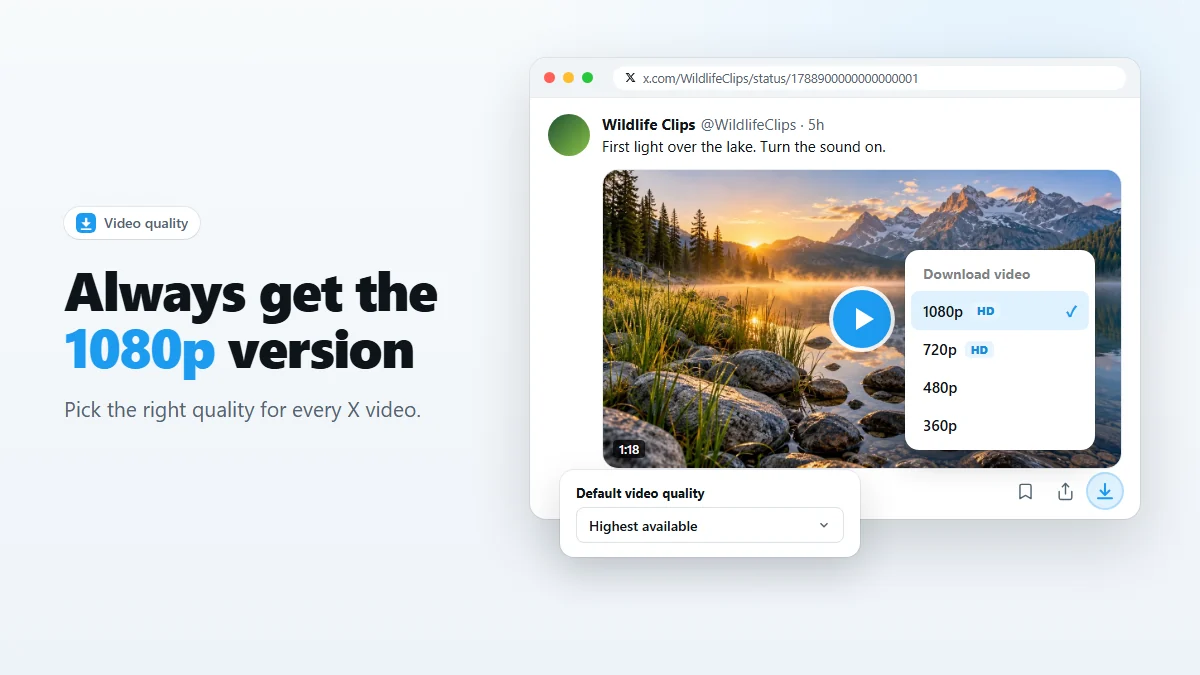
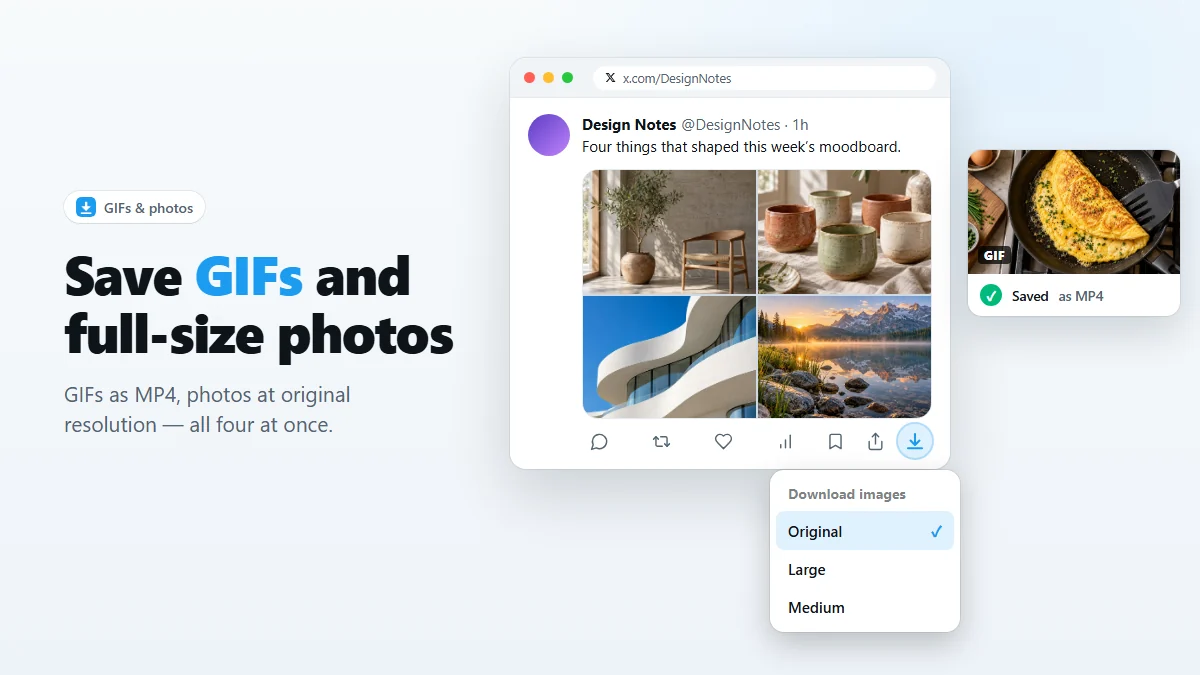
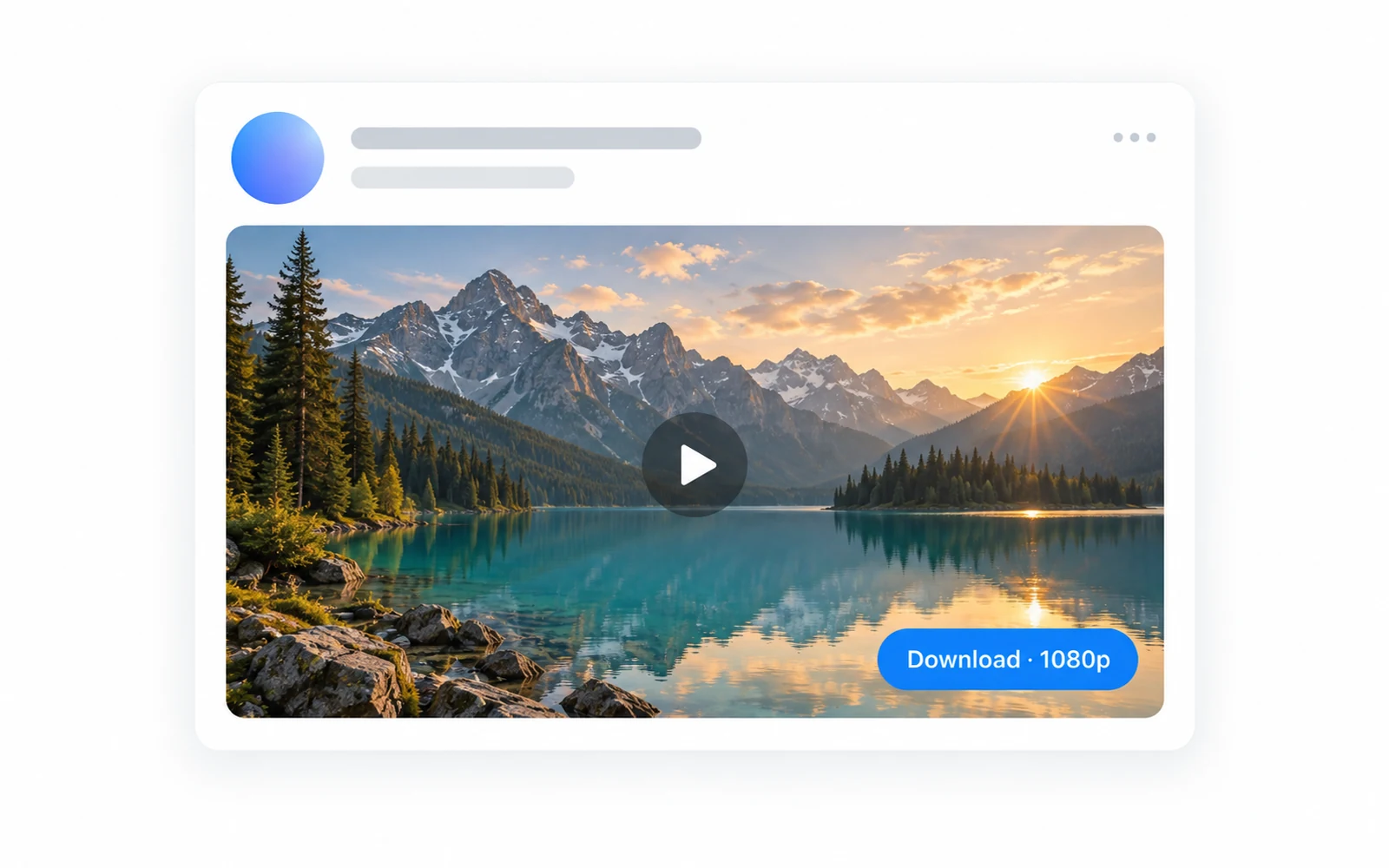
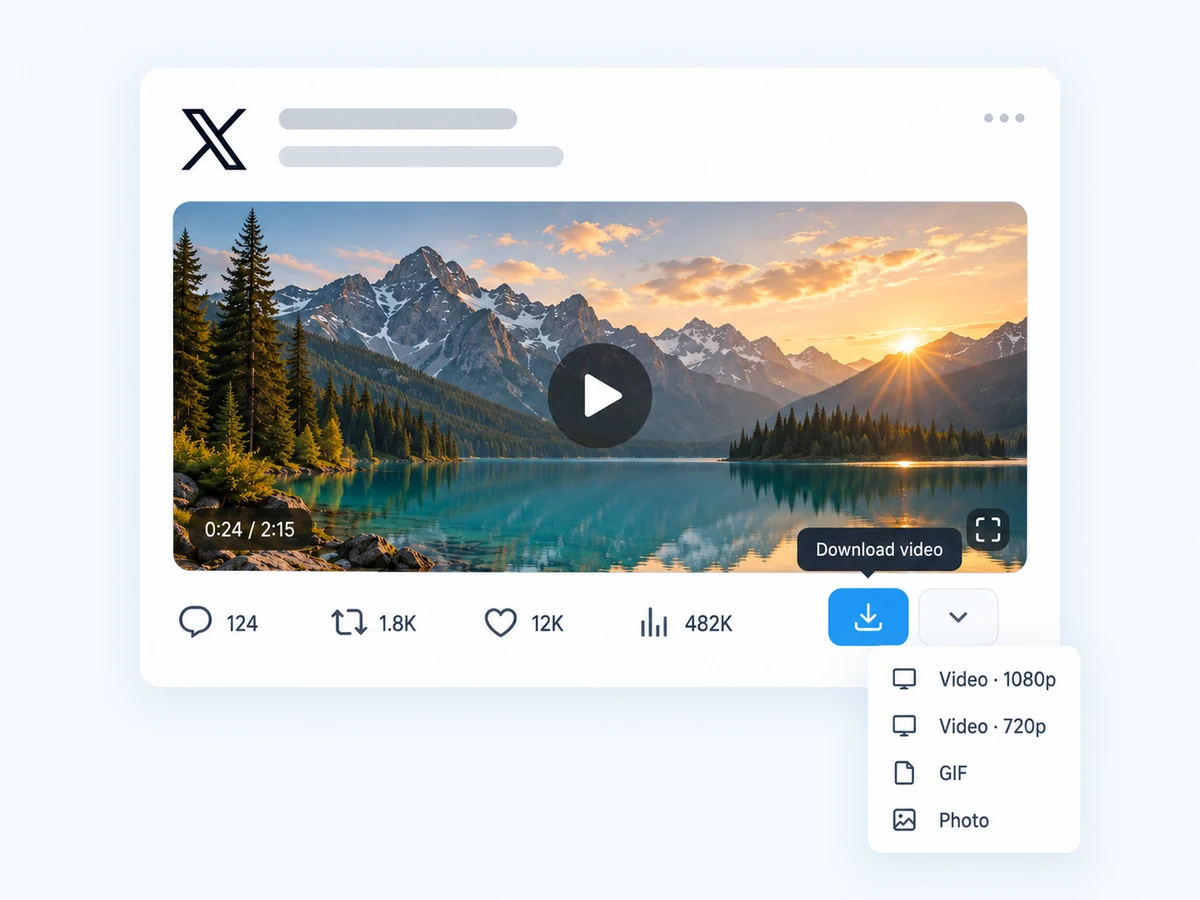
Every post that contains a video, GIF or photo now shows a small download icon at the end of its action bar, right after Bookmark and Share. Click it once. The video downloads at your default quality — Highest available unless you change it.
Step 4: Choose a different quality (optional)
Hold Alt and click the icon to open a small menu listing every resolution X serves for that video — typically 1080p, 720p, 480p or 360p, and occasionally higher. Pick one and it downloads immediately. Our guide to X video quality explains which one to choose.
Step 5: Find the file
By default files go to Downloads/X Media Downloader/ and are named after the account, the first words of the post, the post time and its ID — for example SpaceDaily_We_are_go_for_launch_20260929-181204_1789012345678901234.mp4. Names are unique, so nothing is ever overwritten. You can change both the folder and the naming pattern in the settings.
Other ways to download X videos, compared
There are three common approaches. Each has a place, but they are not equal:
| Method | How it works | Downsides |
|---|---|---|
| Browser extension (this one) | One click on the post itself; the file is saved directly by your browser. | Desktop only. |
| Online “paste a link” sites | Copy the post URL, paste it into a website, download from there. | Several steps per video, heavy ads and pop-ups, and the site sees every link you paste. |
| Reply bots | Reply to a post mentioning a bot account, which replies with a link. | Public reply under someone else’s post, slow, and depends on the bot staying online. |
| Screen recording | Record the screen while the video plays. | Real-time only, lower quality, captures overlays and notifications. |
If you save videos from X more than once in a while, the extension is simply the least effort: no copying links, no waiting, and nothing leaves your computer.
Troubleshooting
I don’t see the download icon
- Reload the X tab. Tabs opened before the extension was installed don’t have it yet.
- Check that the post really contains media. Link previews to YouTube or other sites are not X videos.
- Open the extension settings and make sure Show a Download button under videos in the timeline is turned on.
The download starts but the file won’t play
Update your video player, or try VLC. The files are standard H.264 MP4, so this is rare — usually it means the download was interrupted. Open the download history and click Re-download.
A live broadcast won’t download
Live streams and some long broadcasts are only available as streaming playlists, not as a single file, so they cannot be saved with a normal browser download. Once the broadcast is published as a regular video, try again.
Still stuck? Contact us with the post link and your Chrome version.
Use downloads responsibly
Saving a post you like for yourself — to rewatch, study, or keep before it disappears — is what this tool is for. Videos still belong to the people who made them: don’t re-upload them as your own or use them commercially without permission, and credit the creator when you share. Keeping the author’s name in the filename (the default) makes that easy.
Frequently asked questions
Is it free to download videos from X with this extension?
Yes. The extension is free, has no account or sign-in, and does not limit how many videos you can save.
What format are the downloaded videos?
Standard MP4 files. They play in any video player on Windows, macOS, Linux, iPhone and Android, and can be imported into video editors directly.
Can I download X videos on my phone?
Not with this extension. Mobile Chrome and Safari do not support extensions. Save the video on a computer and transfer it, or use the X app’s own share options where they are available.
Does the person who posted the video get notified?
No. Downloading reads the same video file your browser is already playing. Nothing is posted, liked or sent to the author.
Can I download a video from a private (protected) account?
Only if you can already watch it in your browser, for example because you follow that account. The extension never bypasses X’s access controls.
Which browsers are supported?
Chrome and Microsoft Edge version 116 or newer, and other Chromium-based browsers that install extensions from the Chrome Web Store.
Save videos, GIFs and photos from X in one click
Free Chrome extension. No account, no servers, no tracking.