- Install X Video Downloader (v1.6.0+) in Chrome or Edge.
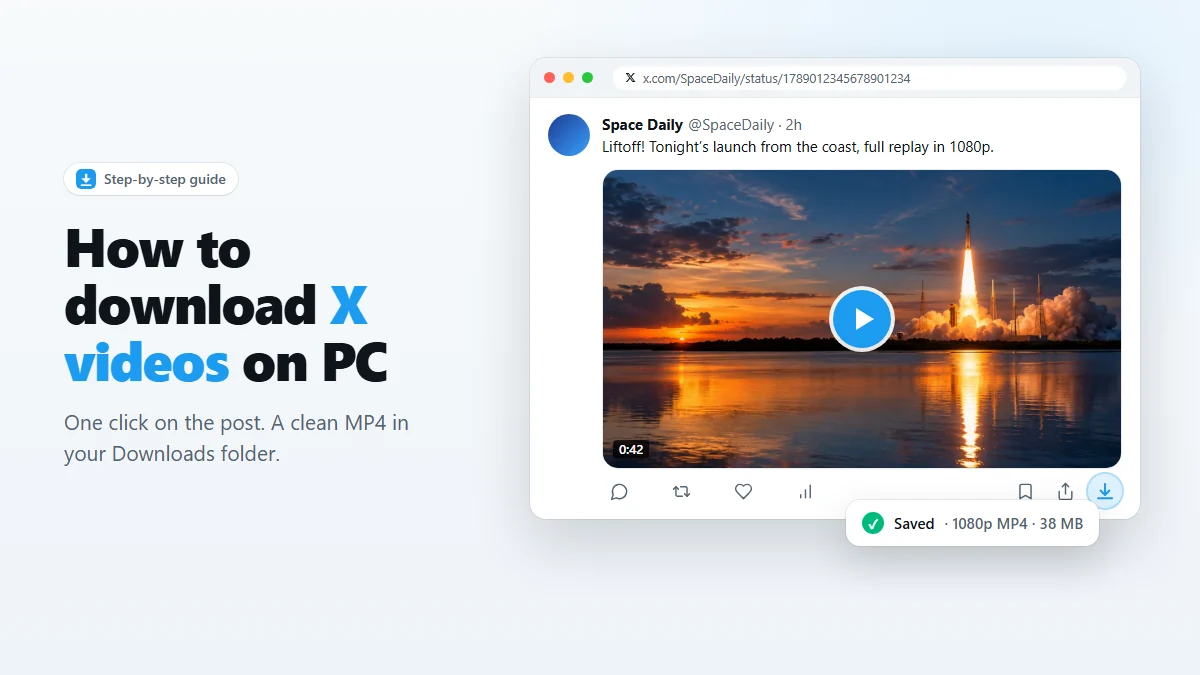
- Right-click the download icon on any X (Twitter) video, GIF, photo, or Website Card post.
- Select Upload to Google Drive and authorize on demand — the file streams straight to
X Media Downloader/{'@'}author.
If you archive research clips, product demos, or inspiration from X (Twitter), saving files to your local Downloads folder quickly fills up your laptop. With X Video Downloader v1.6.0, you can save X and Twitter videos directly to Google Drive in one right-click — without downloading to disk first or uploading manually.
Why save X videos directly to Google Drive
- Zero local clutter: Stream MP4 videos, GIFs, and original photos straight into your Google Drive.
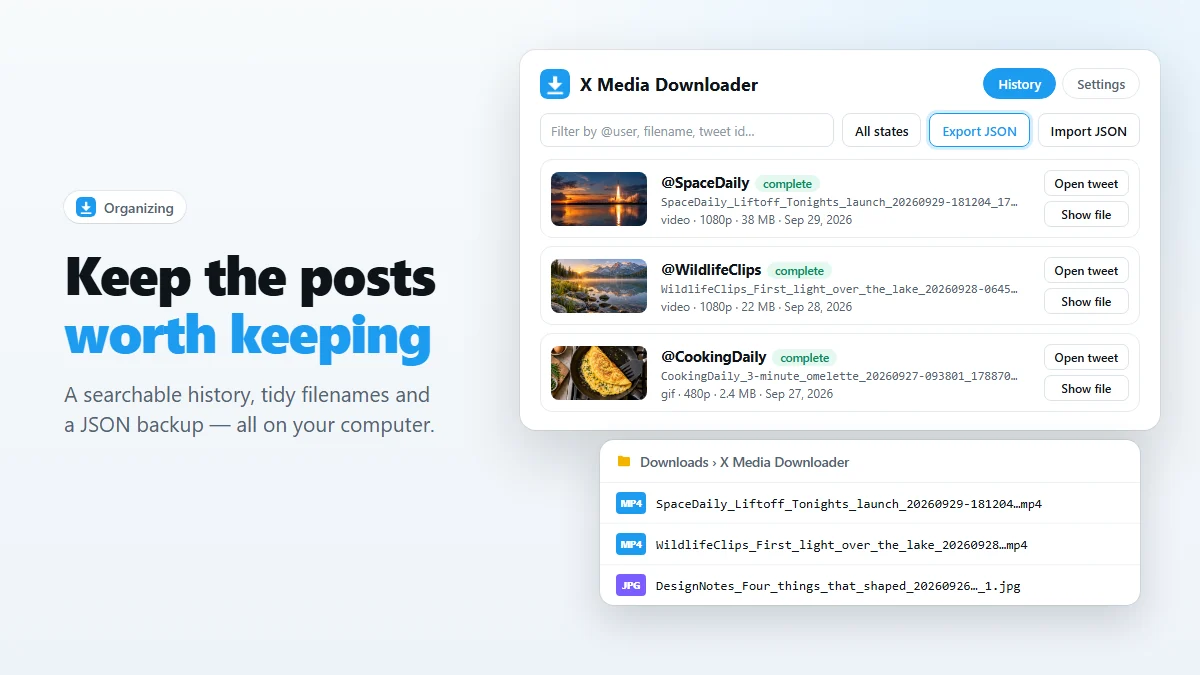
- Organized by author: Files land automatically in
X Media Downloader/{'@'}usernamefolders. - Resumable 4 MB chunks: Large 1080p videos use resumable upload sessions with pause, resume, and recovery.
How to save Twitter videos to Google Drive
- Open any post on x.com with a video, GIF, photo, or embedded Website Card video.
- Right-click the X Video Downloader button in the post action bar and choose Upload to Google Drive.
- On your first upload, grant the on-demand Google Drive permission. Once authorized, the task queues automatically and you can track live chunk progress in the extension’s Google Drive tab.
Least-privilege privacy & 3-layer deduplication
Unlike tools that ask for full-drive access up front, X Video Downloader never asks for Google Drive permissions during installation. When you trigger an upload, it requests only Google’s drive.file scope — restricting access strictly to folders and files created by the extension itself.
Before uploading, the extension checks your Drive folder using three layers of deduplication: X’s canonical media key, filename, and sha256Checksum. Even if the same clip is reposted across different tweets, you won’t waste cloud storage on duplicates.
Now supports X Website Card videos
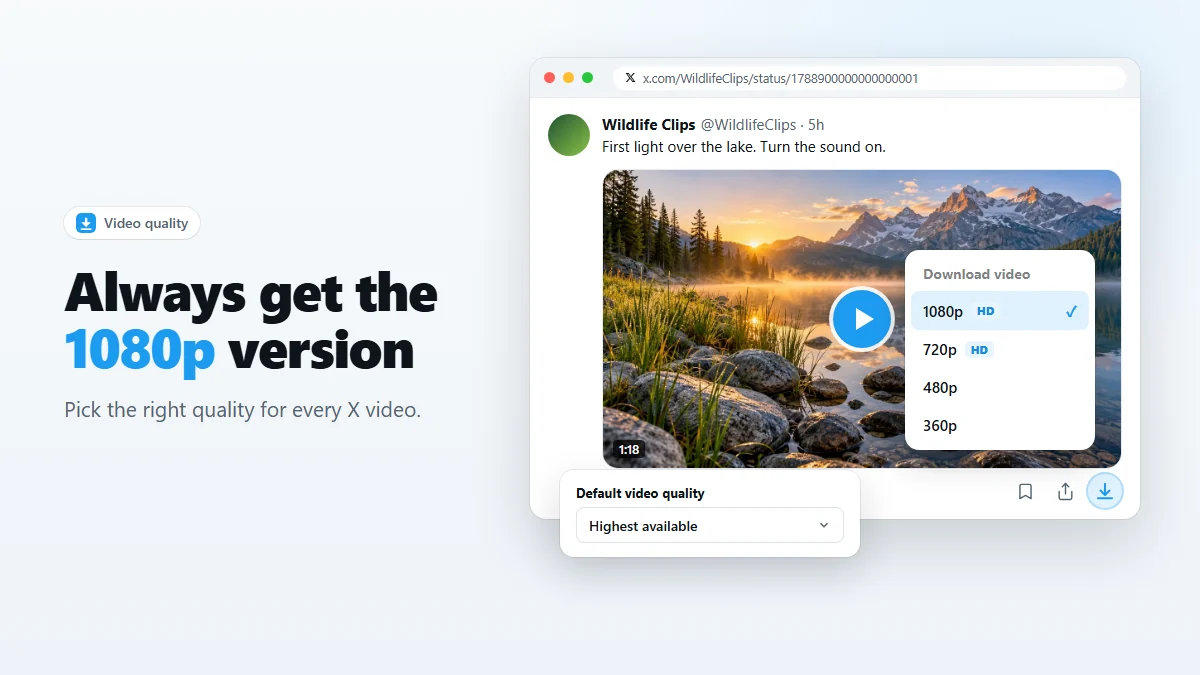
Many brand announcements and product launches on X embed videos inside Website Cards (unified_card) rather than standard tweet attachments. Version 1.6.0 extracts 1080p and 720p MP4 variants from Website Cards too, so both local downloads and Google Drive uploads work seamlessly.
Ready to try it? Add X Video Downloader to Chrome for free.
Frequently asked questions
Can X Video Downloader read my other Google Drive files?
No. It requests only the least-privilege drive.file scope on demand, so it can only create and access its own X Media Downloader folder and files it uploads.
What happens if I upload the same X video twice?
Three-layer deduplication checks the X media key, filename, and SHA-256 checksum in Google Drive before uploading, preventing duplicate files and wasted storage.
Does it support large videos and interrupted connections?
Yes. Files larger than 5 MB stream via Google Drive resumable 4 MB chunks with automatic checkpoint recovery if paused or interrupted.
Save videos, GIFs and photos from X in one click
Free Chrome extension. No account, no servers, no tracking.